
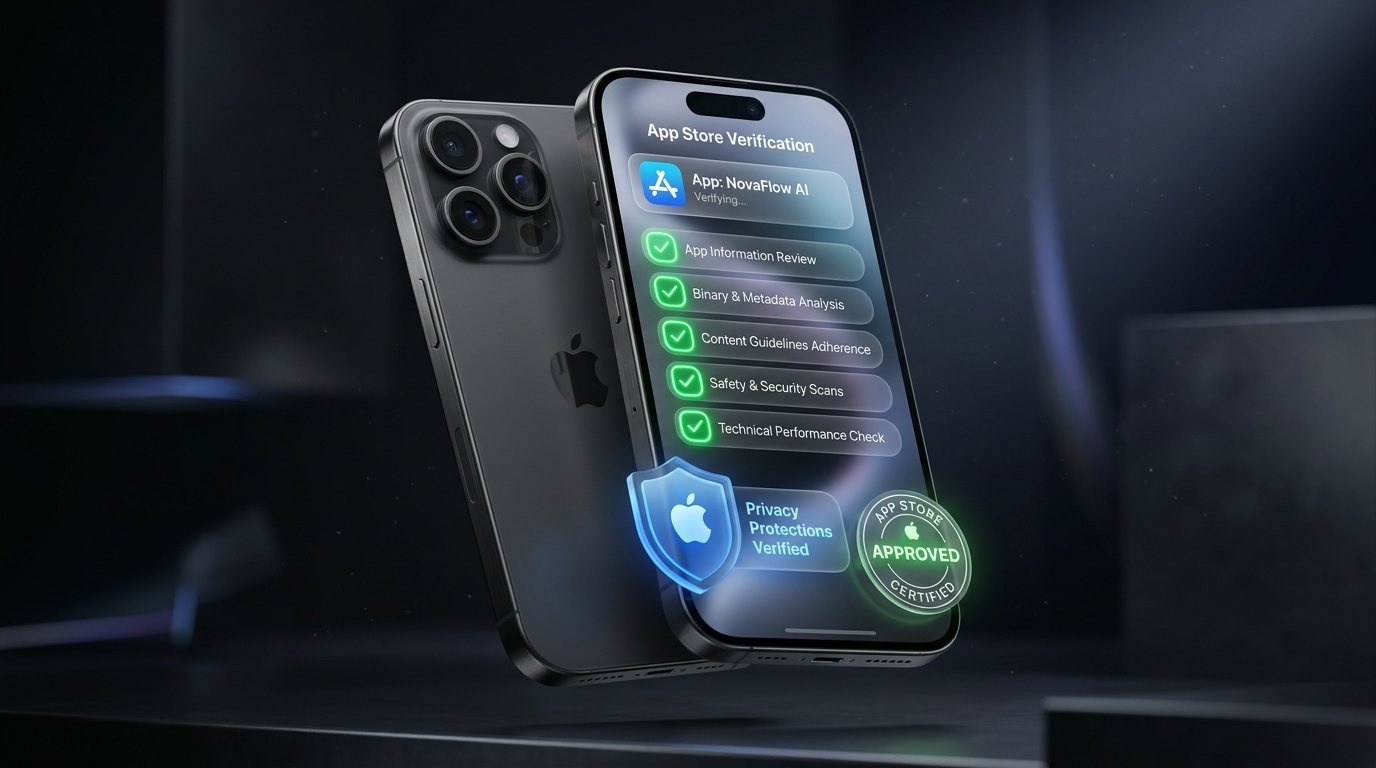
Apple Review Quick Stats (2026)
- Average Review Turnaround: 18 to 28 hours (down from 48h in 2023).
- Initial Rejection Rate: ~40% for first-time developer accounts.
- Top 3 Rejection Causes: Guideline 4.2 (Minimum Functionality), Guideline 5.1.1 (Privacy/Account Deletion), and broken In-App Purchases (Restore Purchases button missing).
Submitting your app to Apple's App Review team is often the most anxiety-inducing milestone for any founder. A rejection can delay your launch by weeks, disrupt PR embargoes, and frustrate investors. At Firebrick Studio, we maintain a 100% App Store approval rate because we treat compliance not as an afterthought, but as an architectural requirement from Day 1.
The Essential Pre-Submission Checklist
Before you hit "Submit for Review" in App Store Connect, ensure every item below is fully verified in a production TestFlight build:
1. Dedicated Account Deletion Option (Guideline 5.1.1)
If users can create an account in your app, you must provide an easily accessible "Delete Account" button directly in settings that permanently purges user data from your backend. Placing a "Contact Support to delete" link is grounds for immediate rejection.
2. Functional "Restore Purchases" Button (Guideline 3.1.1)
Every paywall must include a visible, working "Restore Purchases" button. If an Apple reviewer taps this button in the sandbox environment and nothing happens, your app will be rejected instantly.
3. Privacy Manifests & Required Reason APIs (2026 Mandate)
Apple requires a `PrivacyInfo.xcprivacy` file detailing every SDK that accesses disk space, system boot time, or user defaults. Our builds automatically compile clean privacy manifests matching every dependency.
4. Demo Credentials with Pre-Populated Content
Never force the Apple reviewer to register a dummy account with SMS verification. Provide a pre-filled demo login with realistic sample data already loaded so the reviewer can experience the app immediately.
5. Avoiding Guideline 4.2 ("Minimum Functionality")
Apple explicitly rejects apps that are simply repackaged mobile websites (webviews with tabs). To pass 4.2, your app must leverage native hardware capabilities—such as offline caching, haptic feedback, push notifications, or camera access.
Want Guaranteed 100% App Store Approval?
Every app engineered by Firebrick Studio comes with a contractual guarantee: we handle all reviewer communication, policy compliance, and resolution until your app is live on the App Store.
Launch With Guaranteed ApprovalWhat to Do If Apple Rejects Your App
If you receive a rejection resolution message from App Review, don't panic. Over 70% of rejections are resolved within 24 hours with the right approach:
- Read the Guideline Citation Carefully: Apple always quotes the specific guideline number. Look at the attached screenshot or video recording they provided.
- Attach a Loom Video in App Review Resolution Center: Record a 60-second video demonstrating the feature on a physical iPhone. Reviewers appreciate clarity and will often approve immediately.
- Request an Expedited Review Sparingly: If you are launching in coordination with a live marketing event or press release, submit an Expedited Review Request explaining the commercial deadline.